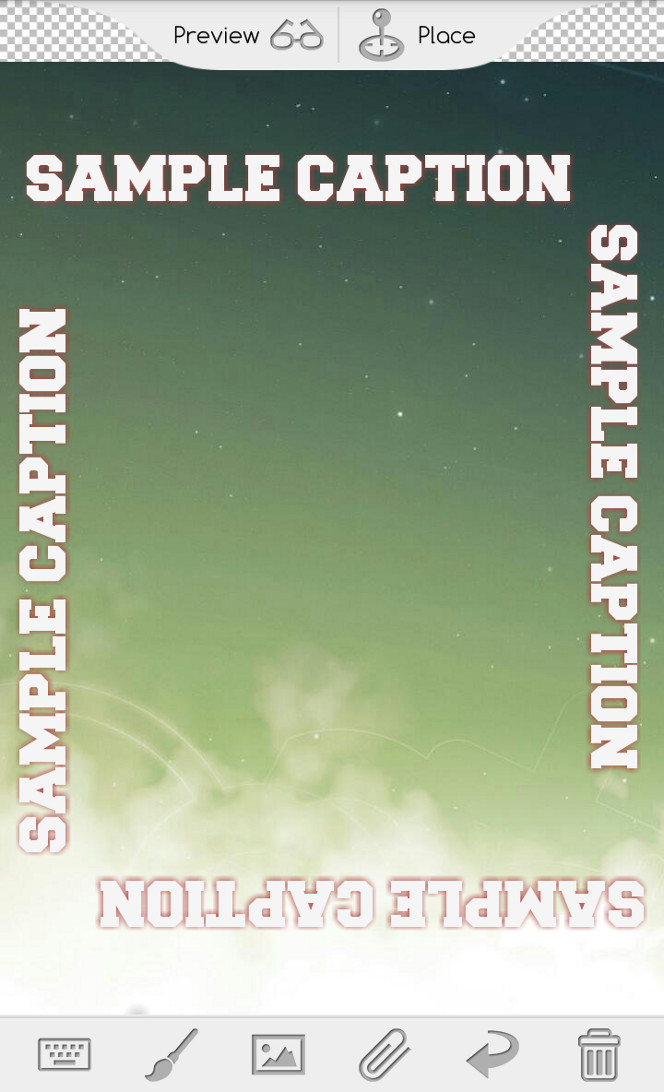
Almost there...
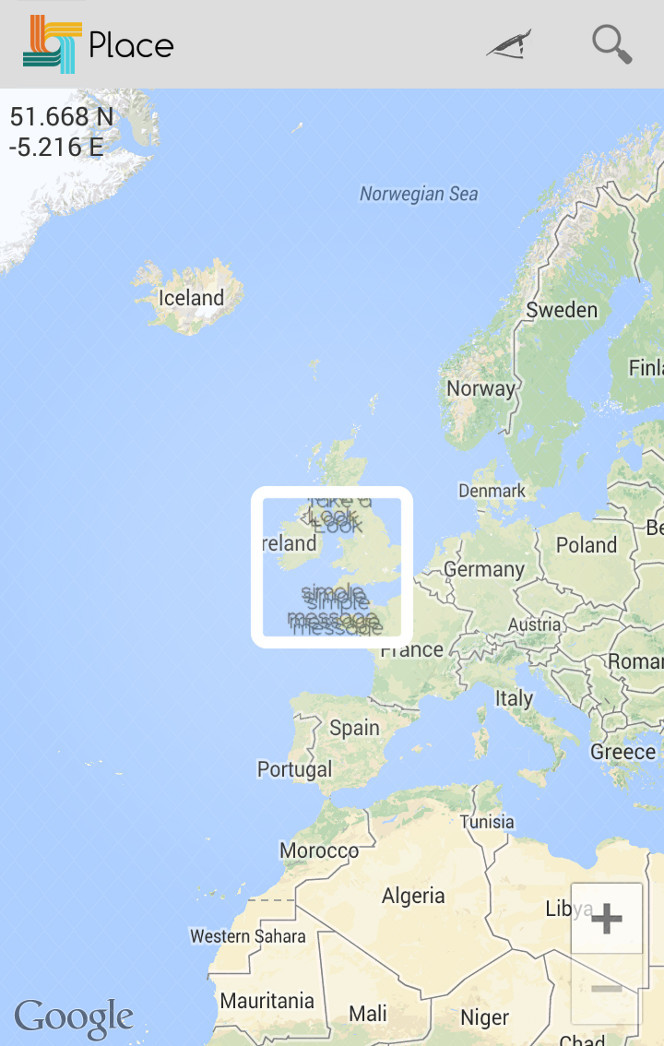
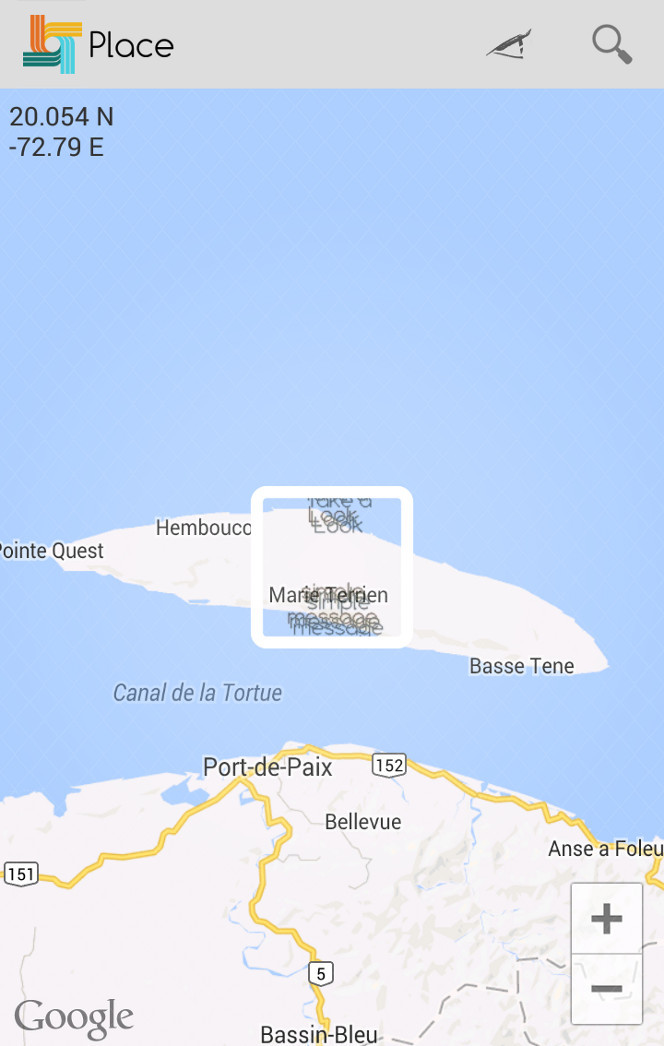
Choose the desired place in which you want your message to appear.
Just navigate the map and then confirm the location by long-tapping the center of your screen.
Now, it's time to SHARE!
Now what?
Once you have confirmed the location of your message, you will get a LINK which is basically a web address looking like this:
http://tlook.gdverse.com/0123456abc.look
You will see a dialog popping up, displaying all your applications which can handle this kind of content.
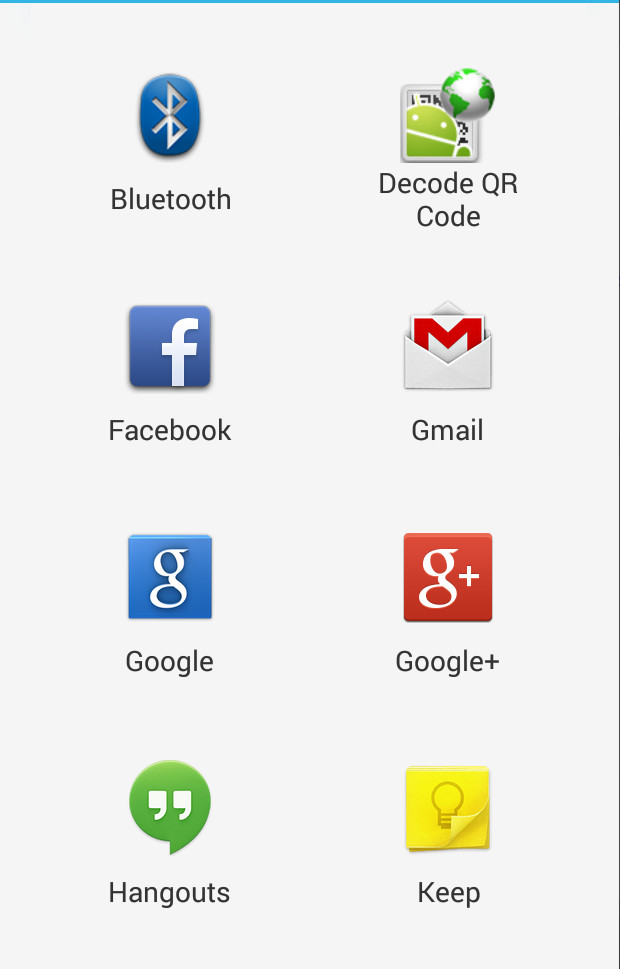
Then you can share the link in any way you like. That's all there is to it. Nothing more. Really. We swear.
No registration, no sign up, no wasting time. Create, place, send/share.
One little thing, which you must always keep in mind:
the link will only last at maximum 24 hours. After this time, it will not exist anymore...
...
Q: You are all liars, you tricked me!
A: Don't worry, this only means that no one can download your message after that time. Everyone which have promptly opened the link will continue to keep it on the device.
It's not that bad, right?
After all, you can just create another message!
This is where the fun begins!
Hopefully, you will not only send messages around, but you will also receive them!
When you get a link, open it with Take a Look and it will be automatically added to your library.
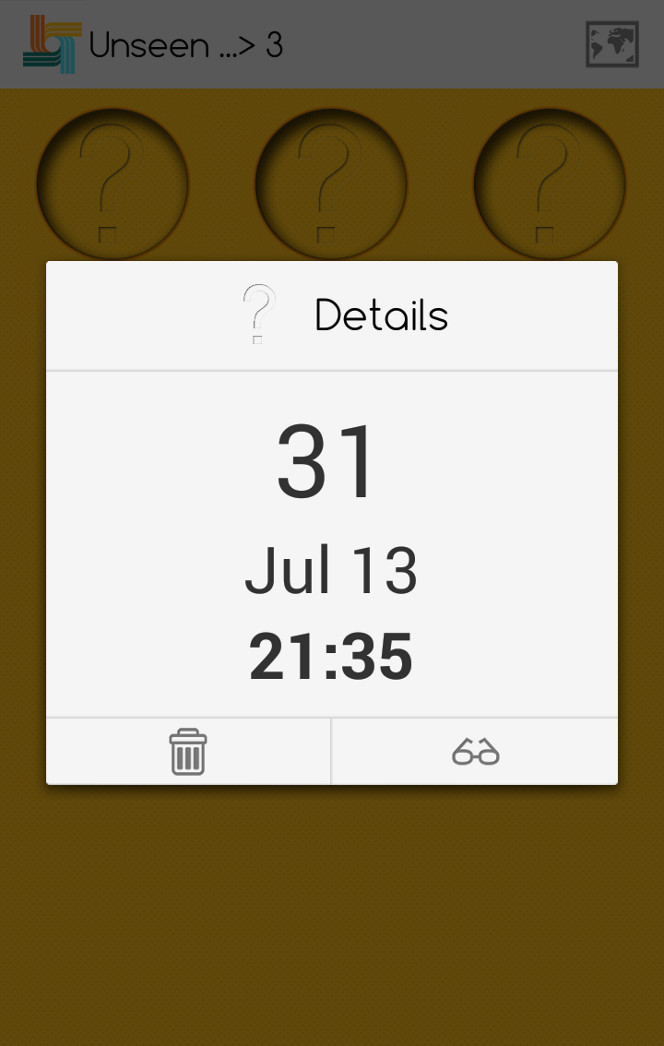
Choose which message to display from the grid or from a map.
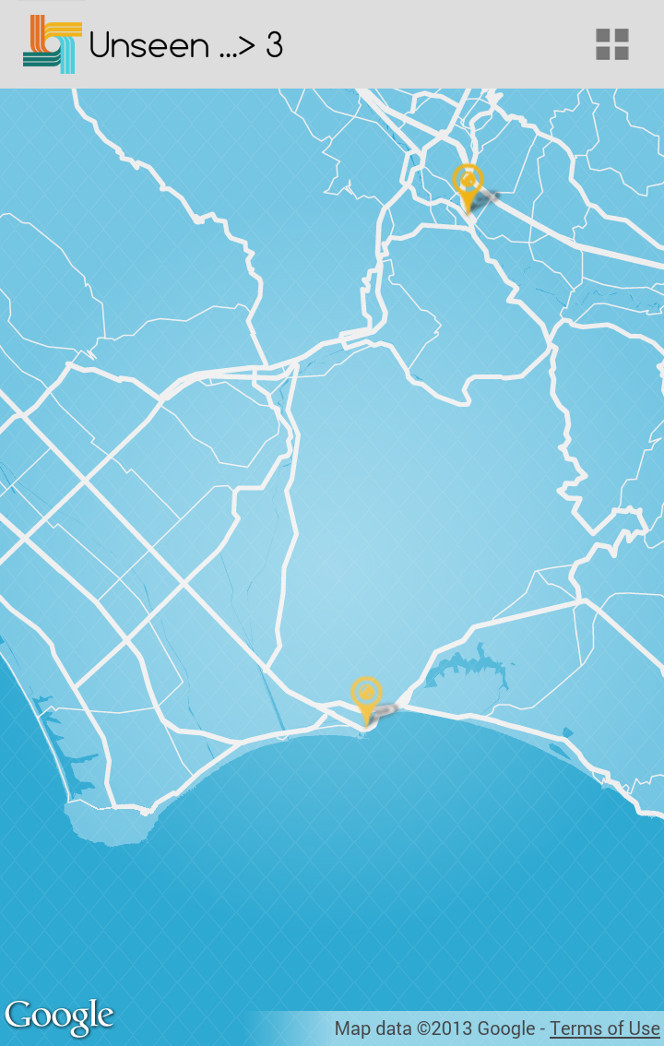
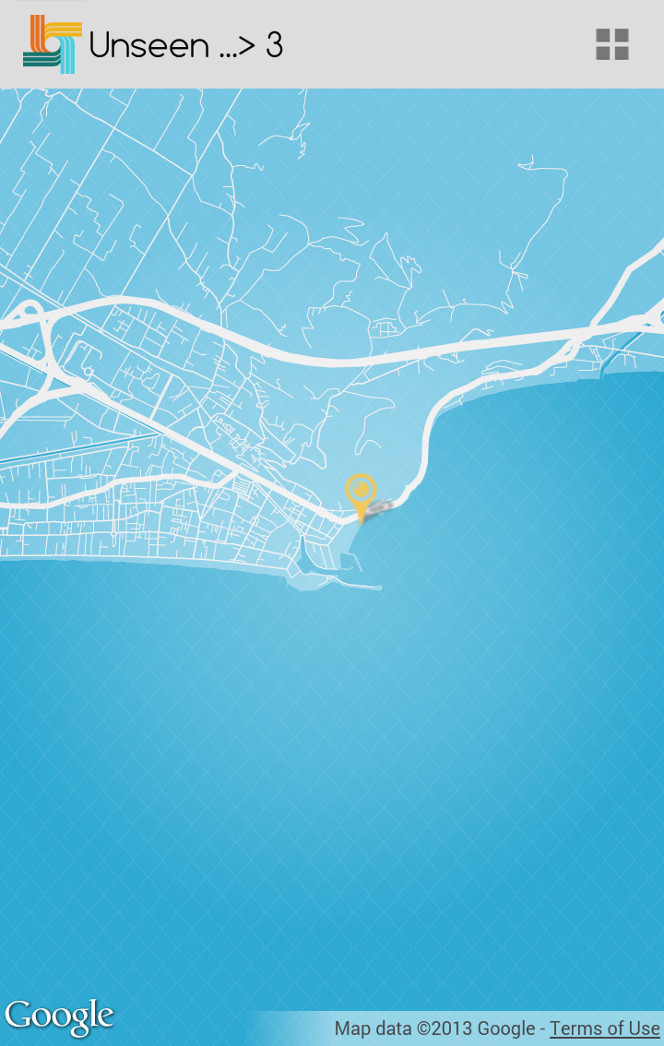
Once the visualization has started you will need to follow the arrow which will point you to the message.
When you come close to your message, every distance information will disappear. Start looking around to discover your message!

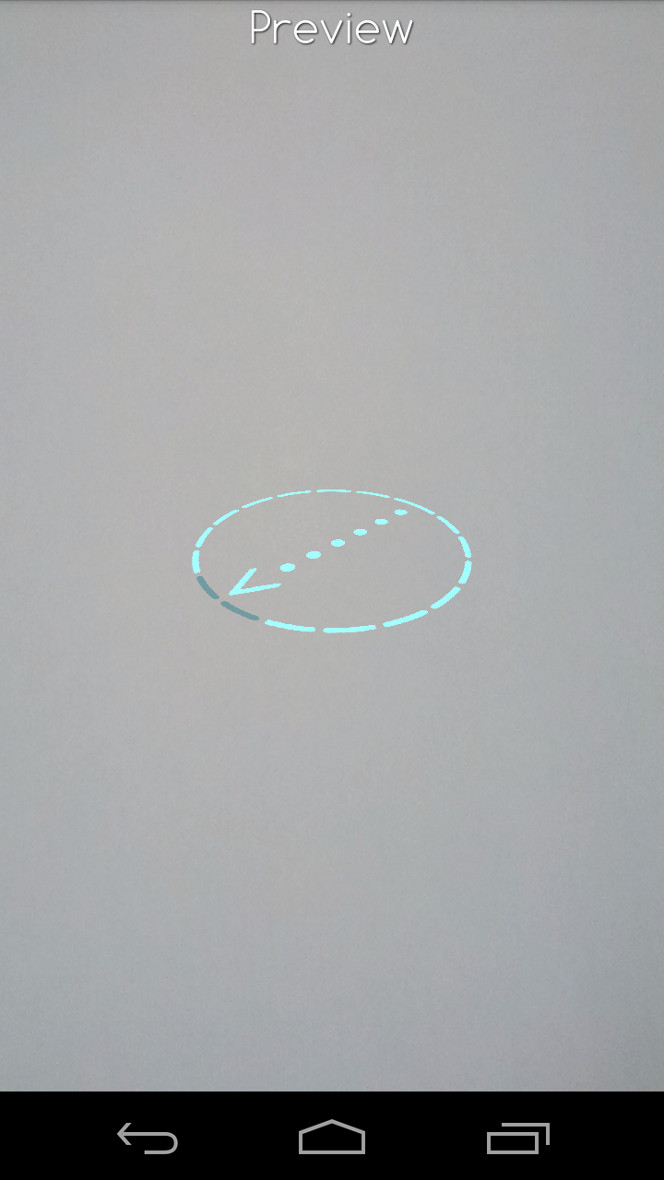
When the arrow disappears, then it means you are in the right direction, slightly adjust your point of view and you'll finally view the message.
Q: Hey, I don't want to go around, I won't succumb to your application!
A: OK, ok, when laziness hits, you just cannot resist it. We already know...
Just click the LAZY button and we'll bring your message near you.
We won't tell you where it is though... ;p